Future of Exchange Licensing: Microsoft's Shift to Subscription-Only for On-Premises Email
 Mar, 4 2026
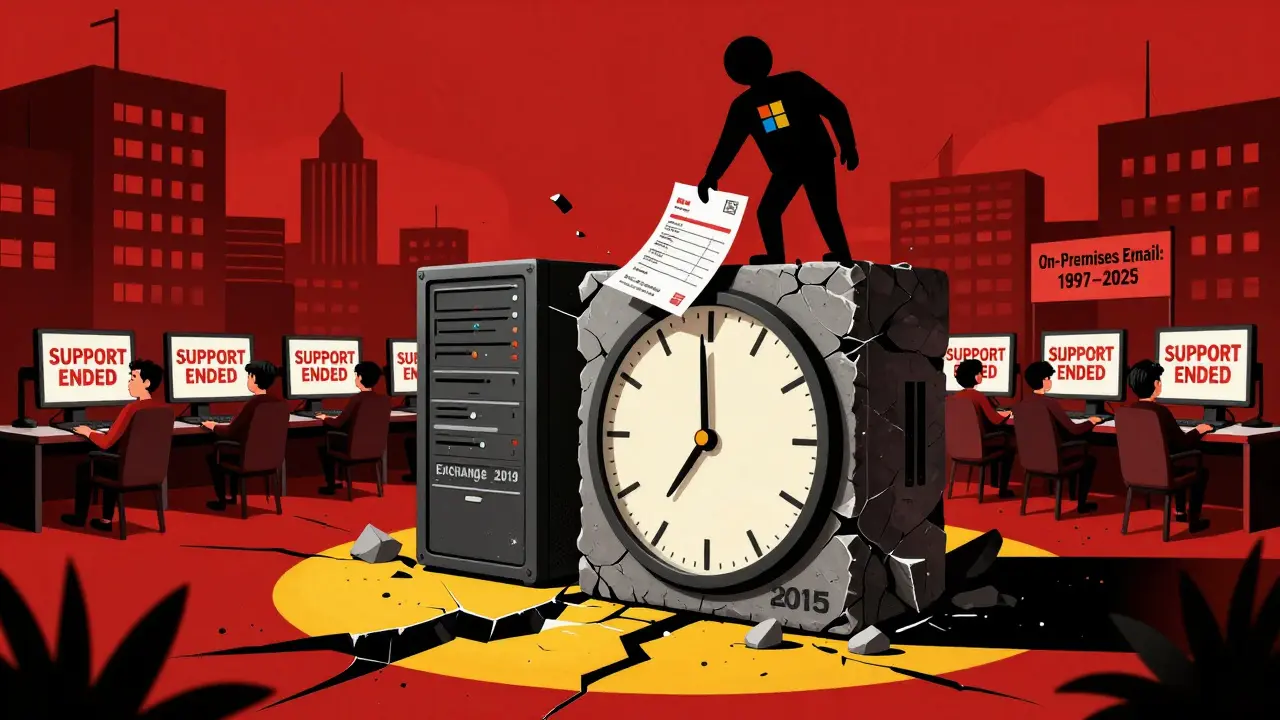
On October 14, 2025, Microsoft will pull the plug on Exchange Server 2016 and 2019 - no exceptions, no extended security updates, no grace period. This isn’t just an update. It’s a forced migration. And it’s happening faster than most organizations expected.
For decades, companies bought Exchange Server licenses once and owned them forever. You paid upfront, installed it on your servers, and ran it for years. No recurring fees. No vendor lock-in. That era is over. Starting in Q3 2025, the only way to run Exchange on-premises is with an annual subscription. Microsoft calls it Exchange Server Subscription Edition (SE). But make no mistake - this isn’t a new product. It’s Exchange Server 2019 CU15 with a new price tag and a new rule: pay every year, or stop getting updates.
The change is brutal. Microsoft gave organizations less than four months between the release of Exchange Server SE and the hard cutoff for legacy versions. There’s no option to extend support. No way to buy security patches after October 2025. If you’re still on Exchange 2019 after that date, your email system becomes a ticking time bomb - vulnerable, unsupported, and out of compliance.
Why This Isn’t Just About Email
This isn’t a product update. It’s a business pivot. Microsoft is shifting its entire on-premises revenue model. For years, they made money selling perpetual licenses for Exchange, SharePoint, and SQL Server. Now, they want recurring revenue. Subscription licenses mean predictable income. They mean higher customer retention. And they mean more pressure to move customers into Microsoft 365 - where margins are 3x higher.
Exchange Server SE doesn’t bring new features. The first release is nearly identical to Exchange 2019 CU15. The only real changes? A subscription validation system, removal of Outlook Anywhere (RPC over HTTP), and a new admin API. The next update, expected late 2025, will remove coexistence with older versions and switch server communication to Kerberos. But none of that matters as much as the licensing change. Microsoft isn’t trying to improve Exchange. They’re trying to kill it.
What This Costs - And Who Pays
Let’s say you run a 5,000-mailbox Exchange environment. In 2023, you’d pay about $150,000 once for perpetual licenses. Now? You’ll pay $30,000 to $50,000 every year. That’s not a small increase. That’s a complete financial flip. Capital expense becomes operational expense. Budgets that were planned for five-year cycles now need annual approval. CFOs who once saw Exchange as a fixed cost now see it as a recurring line item - one that can’t be turned off.
And there’s no discount. The Enterprise Agreement, which used to give big customers 15-25% off perpetual licenses, is being phased out. The new Microsoft Customer Agreement pushes annual subscriptions with no volume discounts. Even if you’re a long-time customer, you start from scratch. Your old licenses are worthless. You have to buy new ones - through the Microsoft 365 Admin Center - even if you never use any other cloud services.
The Hybrid Loophole (And Why It Doesn’t Help Much)
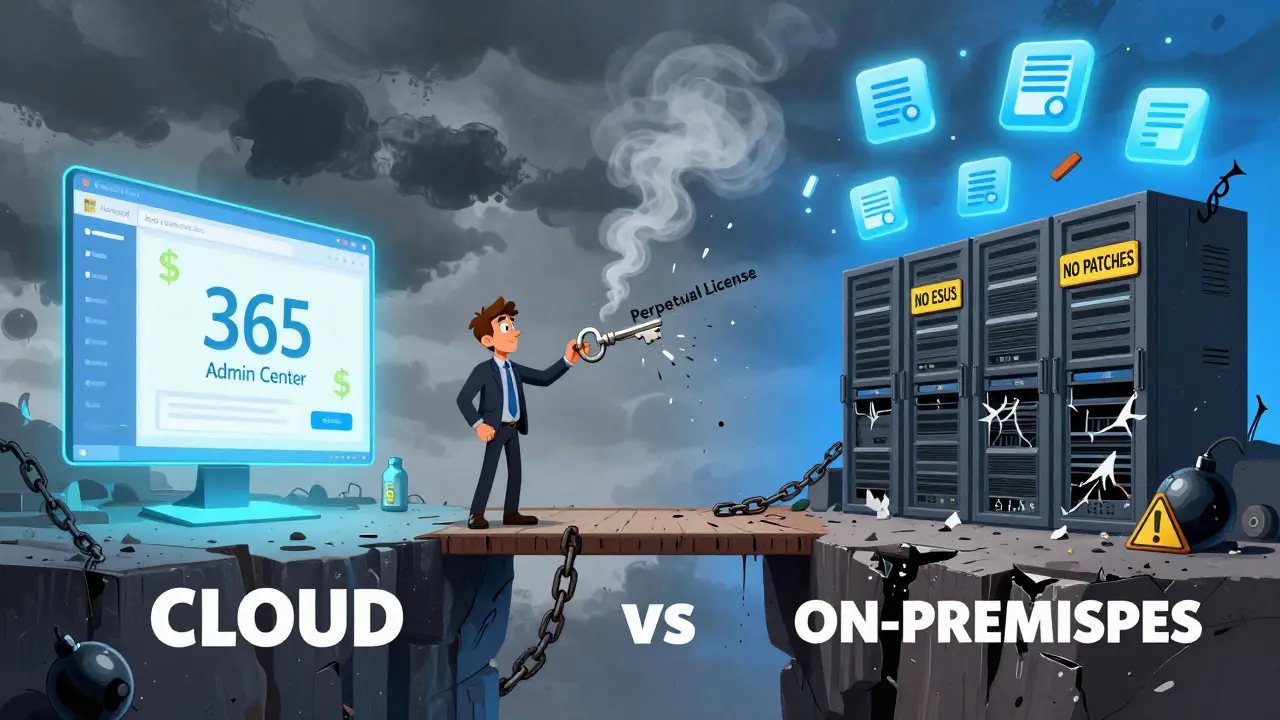
Microsoft offers a free hybrid server license to help with migration. You can run Exchange Server SE alongside Exchange Online to ease the transition. Sounds helpful, right? But here’s the catch: you still need to buy a subscription for every mailbox you keep on-premises. The free license just lets you connect to the cloud. It doesn’t reduce your cost. It just gives you a temporary bridge - one you have to pay for anyway.
And if you’re not already using hybrid? Good luck. Most on-premises admins don’t have the skills to set it up. Microsoft hasn’t released detailed migration guides. The documentation is thin. Community forums are quiet. You’re expected to figure it out on your own - with a deadline that doesn’t move.
Why Competitors Are Doing It Differently
Compare this to Zimbra. They still offer perpetual licenses. You can buy a one-time license and run it forever. No annual fee. No vendor pressure. Same core functionality. Google Workspace? Always subscription. But they never had on-premises options to begin with. Microsoft is the outlier here - the last major player to force subscription-only on a product that was built for local control.
Even Windows Server got a lifeline. When Windows Server 2012 R2 reached end-of-life, Microsoft offered Extended Security Updates for three years - at 75% of the annual subscription cost. Exchange Server? Zero. No ESUs. No exceptions. Just a hard stop. That’s not customer care. That’s coercion.
What People Are Saying
On the Microsoft Tech Community, 87% of 142 comments in a July 2024 thread called the change unfair. One enterprise architect wrote: "Forcing subscription licensing on on-premises products violates the fundamental value proposition of on-premises deployments - control over costs and infrastructure."
On Reddit, users compared it to Microsoft’s treatment of Windows Server 2012 R2. "They gave us three years of security patches for Windows, but nothing for Exchange," one admin wrote. "That’s a 100% reduction in grace. It’s not a policy. It’s a punishment."
But not everyone is angry. Some Microsoft MVPs argue the subscription model lets Microsoft invest more in Exchange development. Maybe. But if the first release has no new features, and the second one removes critical protocols like Outlook Anywhere, then the investment isn’t for users. It’s for Microsoft’s bottom line.

The Real Risk: Compliance and Security
Financial institutions, hospitals, government agencies - they all need long-term infrastructure planning. They can’t just flip a switch in three months. Many of them have compliance rules that require five-year audit cycles. Exchange Server SE doesn’t fit. It’s designed for cloud agility, not enterprise stability.
A June 2024 Ponemon Institute study found that 61% of regulated organizations in healthcare and finance were now reconsidering their on-premises email strategy. Why? Because they can’t risk an unpatched server. And with no ESUs, there’s no fallback. If a zero-day exploit hits in November 2025, you’re on your own.
What You Should Do Now
If you’re still on Exchange 2016 or 2019 - and you haven’t started planning - you’re already behind. Here’s what to do:
- Inventory your environment. How many mailboxes? How many servers? What’s your current licensing status?
- Calculate your costs. Compare the cost of staying on-premises with Exchange Server SE versus moving to Exchange Online. Don’t assume cloud is cheaper - factor in data transfer, training, and downtime.
- Test hybrid. Even if you plan to go fully cloud, set up a hybrid pilot. Learn how the Microsoft 365 Admin Center works. Get familiar with subscription licensing.
- Start migration early. Don’t wait for Q3 2025. Begin moving mailboxes now. Use Microsoft’s migration tools. Train your team. This isn’t a 30-day project. It’s a six-month operation.
- Consider alternatives. Zimbra, Mailcow, or even a managed service like ProtonMail for Business might be better fits if you value control and cost predictability.
The Bigger Picture
This isn’t the end of Exchange. But it’s the end of Exchange as we knew it. The future of on-premises email isn’t about better servers or faster processors. It’s about who controls the money. Microsoft wants you to pay every year. And if you refuse? They’ll make it so hard to stay that you’ll leave anyway.
By 2027, fewer than 25% of organizations still running on-premises Exchange will remain. The rest will be in the cloud - or gone. The subscription model isn’t just a change in licensing. It’s a strategic withdrawal from the enterprise market. And Exchange Server SE is the first domino to fall.
Is Exchange Server 2019 still supported after October 2025?
No. Microsoft has confirmed that support for Exchange Server 2016 and 2019 ends on October 14, 2025. There will be no Extended Security Updates (ESUs), meaning any system running these versions after that date will be unsupported and exposed to unpatched vulnerabilities.
Can I convert my existing Exchange 2019 perpetual licenses to Exchange Server SE?
No. Microsoft has explicitly stated that perpetual licenses for Exchange Server 2019 cannot be converted or upgraded to the Subscription Edition. All organizations must purchase new subscription licenses through the Microsoft 365 Admin Center, regardless of their previous licensing status.
Do I need to be using Microsoft 365 to get Exchange Server SE?
You don’t need to be using Microsoft 365 for email, but you must manage your Exchange Server SE license through the Microsoft 365 Admin Center. This means you need a Microsoft 365 tenant - even if you’re only using it to license on-premises Exchange. It’s a requirement, not an option.
Will Exchange Server SE have new features?
The initial release of Exchange Server SE (Q3 2025) is nearly identical to Exchange Server 2019 CU15. The first major feature update (Cumulative Update 1) is expected in late 2025 and will include Kerberos authentication, a new admin API, and removal of Outlook Anywhere. But Microsoft has made it clear that the primary goal of this release is licensing, not innovation.
What happens if I don’t migrate before October 2025?
Your Exchange Server will continue to run, but it will no longer receive security updates, bug fixes, or technical support. This puts your organization at risk of data breaches, compliance violations, and regulatory penalties - especially in industries like healthcare and finance that require up-to-date security controls.
Are there alternatives to Exchange Server SE?
Yes. Zimbra and Mailcow offer on-premises email solutions with perpetual licensing options. Managed services like ProtonMail for Business or Fastmail provide cloud-based alternatives without Microsoft’s subscription model. Some organizations are also moving to open-source mail servers like Postfix with Roundcube or iRedMail for full control and lower long-term costs.
Nick Greening
March 5, 2026 AT 22:41Let’s be real - Microsoft didn’t kill Exchange because they hate us. They killed it because they realized people like us were the last ones holding out against the cloud. And they’re not mad. They’re just bored. You think this is harsh? Wait till they start charging you to breathe air on-prem. At this point, I’d rather run a custom mail server on a Raspberry Pi than pay $50k a year for what’s essentially a glorified Windows service with a new sticker.
Issack Vaid
March 7, 2026 AT 13:06It’s not about the money. It’s about control. Microsoft’s entire enterprise strategy is now built on the premise that you can’t be trusted with your own infrastructure. They don’t trust you to patch. They don’t trust you to manage. They don’t even trust you to keep a server running without their subscription leash. This isn’t innovation. It’s institutionalized paternalism wrapped in a Microsoft 365 license agreement.
Shawn Warren
March 8, 2026 AT 15:57Stop resisting change the world is moving to the cloud and you need to move with it or get left behind the future is here and it’s not waiting for you to finish your five year budget cycle the time to act is now not tomorrow not next quarter but today
Jackson Dambz
March 9, 2026 AT 20:28I’ve read this entire thing. I’ve read the comments. I’ve read the Microsoft docs. And I’m still not convinced this isn’t just a cash grab dressed up as a "business pivot." They gave Windows Server three years of ESUs. Three. Years. But for Exchange? Nothing. Zero. Nada. That’s not a policy. That’s a vendetta against anyone who still believes in owning their own damn hardware.
Megan Lutz
March 10, 2026 AT 22:14Jesse VanDerPol
March 10, 2026 AT 22:34Just wondering - how many people actually tried the hybrid setup? I’ve heard it’s a nightmare to configure without a full-time Azure engineer. And if Microsoft won’t even give you decent docs… are they really trying to help, or just making the exit ramp as bumpy as possible?
Bryanna Barnett
March 11, 2026 AT 11:08So let me get this straight… I have to create a Microsoft 365 account… just to license a server I’m not even using the cloud for? That’s like buying a gym membership just to use the bathroom at the gym. I’m not mad. I’m just… impressed by the audacity.
Josh Moorcroft-Jones
March 13, 2026 AT 00:54Let’s not forget the historical context here: Microsoft has been systematically dismantling the on-premises ecosystem since 2016, starting with SharePoint, then SQL Server, now Exchange - each time with the same playbook: 1) Release a feature-stagnant version, 2) Remove legacy protocols quietly, 3) Force subscription via administrative barriers, 4) Discontinue support abruptly, 5) Claim it’s "for customer security," 6) Profit. This isn’t a coincidence - it’s a pattern. And it’s working. Because most companies are too scared to switch. Too scared of downtime. Too scared of compliance audits. Too scared of explaining to their board why they’re not using "the Microsoft way."
jack carr
March 13, 2026 AT 20:49I’m just glad I’m not the one who has to explain this to the CFO. I mean, imagine the meeting: "So, we’ve been running Exchange since 2012… and now we have to pay $50k a year… to keep running it?" I’d rather just send emails through carrier pigeon at this point.
Eva Gupta
March 15, 2026 AT 04:45From India, I’ve seen how this affects small businesses. We can’t afford $50k/year. We can’t even afford the hybrid setup. Microsoft is leaving us behind. Zimbra is our only hope. I’m switching next month. No regrets. No Microsoft. Just peace.