Multi-Factor Authentication Beyond 2FA: What You Need to Know
 Mar, 8 2026
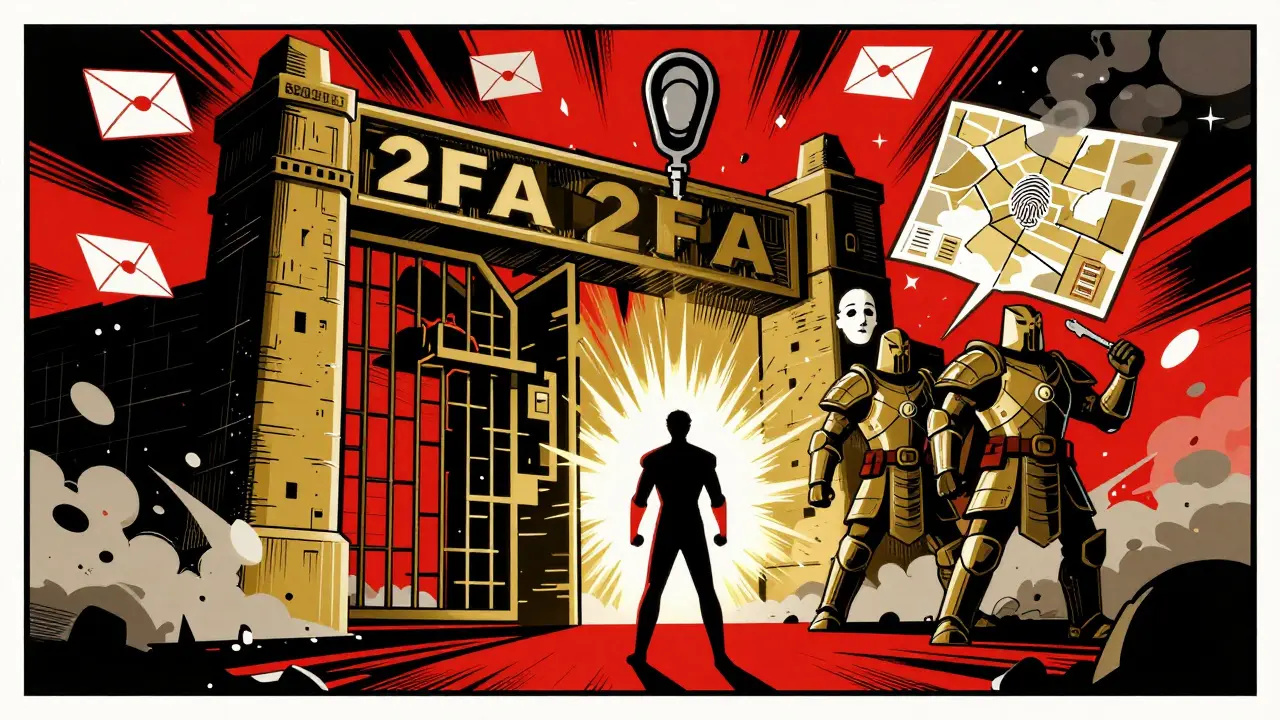
Most people think multi-factor authentication is just 2FA. That’s wrong. Two-factor authentication is just the bare minimum. If you’re still using just a password and a text code, you’re leaving your data wide open. Real security doesn’t stop at two steps. It goes deeper-way deeper.
Why 2FA Isn’t Enough Anymore
Two-factor authentication sounds solid. You type your password. Then you get a code on your phone. Done. But here’s the truth: SMS codes can be intercepted. Authenticator apps can be phished. Even biometrics like fingerprints can be copied. Attackers don’t need to crack everything-they just need to slip through one layer. And too many systems still rely on weak links like SMS or email-based codes.
The Cybersecurity and Infrastructure Security Agency (CISA) says single-factor login is a bad idea. They’re right. But even 2FA is starting to look outdated. In 2026, hackers use AI-powered tools that learn your patterns, mimic your behavior, and bypass simple second factors. If your second factor is predictable, it’s not a barrier-it’s a signpost telling attackers where to look next.
What Multi-Factor Authentication Really Means
Multi-factor authentication (MFA) isn’t just “2FA plus one.” It’s about combining different types of proof-factors that come from completely separate categories. The standard model breaks authentication into five types:
- Something you know - Passwords, PINs, security questions
- Something you have - Phone, hardware token, smart card
- Something you are - Fingerprint, face scan, voiceprint, iris recognition
- Something you do - How you type, how you hold your phone, your mouse movements
- Something you’re at - Your location, network, device, or time of day
True MFA doesn’t just stack two of these. It layers three or more from different categories. For example: password + fingerprint + location check. That’s not 2FA. That’s MFA. And it’s the only kind that stops modern attacks.
The Hidden Weakness in Most MFA Systems
Here’s the dirty secret: many companies call their system “MFA” even when it’s still just two weak factors. Password + SMS? That’s not MFA. It’s 2FA with a fake label. Password + push notification? Still vulnerable to SIM-swapping and social engineering. Even password + Face ID can be bypassed with deepfake tools if the system doesn’t check for liveness.
Real security needs diversity. If all your factors are digital, you’re still at risk. A hacker who steals your phone can bypass both your app and your biometrics. But if you add a hardware token-something physical that you can’t download or clone-you’ve added a layer that doesn’t exist in the cloud.
YubiKey, Titan Security Key, and other FIDO2-compliant devices are becoming the gold standard because they use public-key cryptography. They don’t rely on codes sent over the internet. They prove you’re you without sending anything that can be intercepted. That’s why blockchain-based identity systems are starting to adopt them. No central server. No phone number. No code to steal.
Behavioral and Geographic Factors: The Next Layer
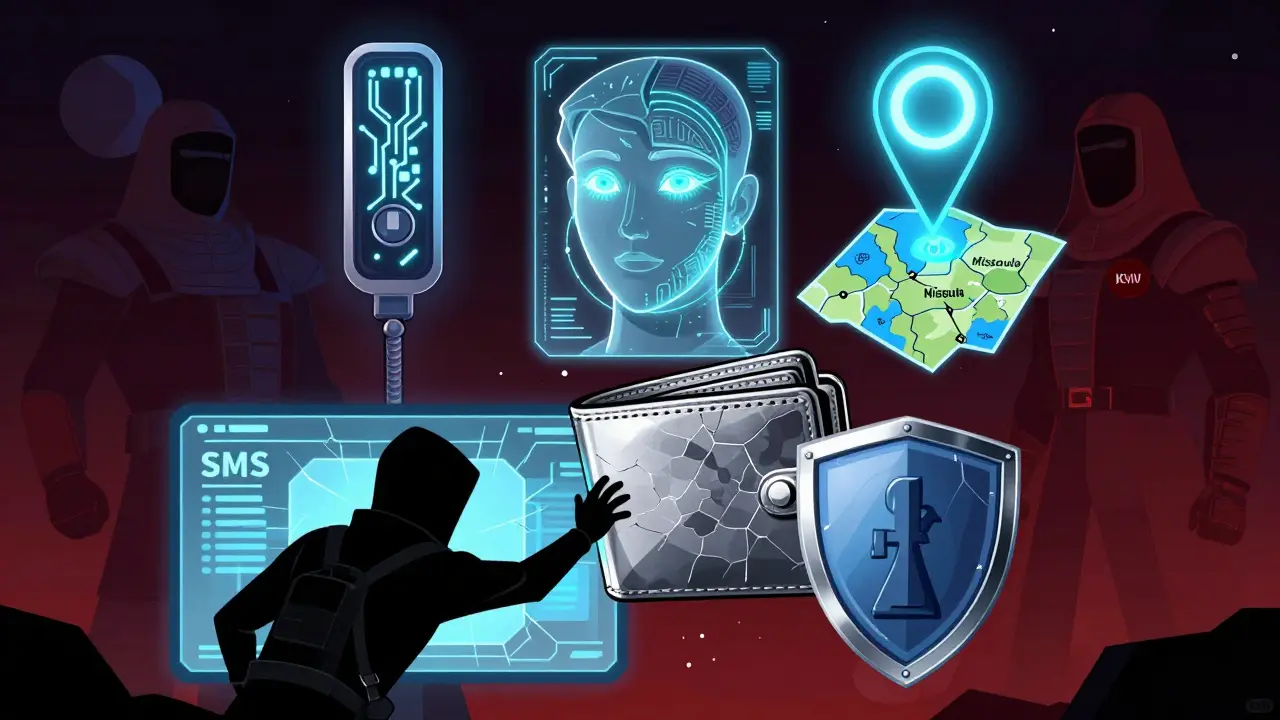
Imagine logging in from your home office in Missoula every day at 9 a.m. Then, one morning, someone tries to access your account from a server in Kyiv at 3 a.m. using a new device. A smart system doesn’t just say “no.” It asks: “Is this normal?”
Behavioral authentication looks at how you interact with your device. How fast do you type? Do you tap or swipe? Do you hold your phone in your left hand or right? These patterns are unique-like a fingerprint, but harder to copy. Systems using AI can learn your behavior over time and flag anything that feels off.
Geographic factors add another layer. If your account has always accessed from your home IP range, and suddenly logs in from a public Wi-Fi in a different country, the system can pause the login and ask for extra proof. No password reset. No code. Just a quiet check: “Does this make sense?”
These aren’t sci-fi ideas. They’re already used by banks, government agencies, and blockchain platforms handling high-value assets. If you’re storing crypto keys, managing smart contracts, or accessing decentralized finance (DeFi) wallets, you need more than a code. You need context.
Why Blockchain Is Changing MFA
Blockchain isn’t just about cryptocurrency. It’s about trust without central control. That’s why decentralized identity (DID) systems are starting to replace traditional MFA setups.
Instead of relying on Google or Microsoft to verify you, DID lets you own your identity. Your credentials are stored in an encrypted wallet on your device. When you log in, you sign a challenge with your private key-no server needed. The system checks the signature against your public key. No password. No SMS. No app.
This eliminates the biggest weakness in traditional MFA: the central authority. If your phone company gets hacked, your SMS codes are gone. If Microsoft’s authentication servers go down, you’re locked out. With blockchain-based MFA, there’s no single point of failure. Your keys are yours. And if you lose them? You can recover them with a trusted group of contacts-no customer service call needed.
Projects like Sovrin, Polygon ID, and Microsoft’s ION are already using this model. It’s not perfect yet-but it’s the future.
What You Should Do Right Now
You don’t need to overhaul everything tomorrow. But if you’re still using just 2FA, here’s how to upgrade:
- Replace SMS with a real authenticator app - Use Authy, Google Authenticator, or Microsoft Authenticator. Never rely on text messages.
- Add a hardware key - Get a YubiKey or similar FIDO2 device. Plug it in when you log in. It’s cheap, fast, and unhackable over the internet.
- Enable biometrics only if paired with a physical factor - Don’t use Face ID alone. Use it with your hardware key.
- Check your wallet providers - If you use crypto wallets, make sure they support DID or hardware wallet integration. Avoid web-based wallets that only ask for passwords.
- Test your recovery options - If you lose your key, do you have a backup? Are your recovery contacts trusted? This matters more than you think.
Don’t wait for a breach to wake you up. The attacks are already here. And they’re getting smarter.
The Future Isn’t More Factors-It’s Smarter Factors
The next big shift won’t be adding more steps. It’ll be removing the ones that don’t work.
AI will analyze your login patterns, your device health, your network behavior, and your physical location-all in real time. If something feels off, it won’t ask for a code. It’ll just block the login. If everything looks normal? You’re in-no extra taps needed.
This is called continuous authentication. It’s not about proving who you are once. It’s about proving it every second you’re logged in. And it’s already being tested in enterprise systems and high-security blockchain networks.
By 2027, passwordless login won’t be a feature. It’ll be the only option. And MFA won’t be a checklist. It’ll be invisible-built into how you use your devices, not forced on you.
Is MFA really better than 2FA?
Yes, but only if it’s done right. 2FA uses two factors-usually a password and a code. MFA uses two or more factors from different categories. If your MFA system uses password + SMS + fingerprint, it’s stronger than 2FA. But if it’s password + email code, it’s not much better. The number of factors doesn’t matter-what matters is their strength and variety.
Can I use MFA with my crypto wallet?
Absolutely-and you should. Most crypto wallets now support hardware keys like Ledger and Trezor. These act as your second or third factor. Some advanced wallets even use behavioral checks and location-based rules. Never use a web wallet that only asks for a password or recovery phrase. Always pair it with a physical key.
Are biometrics like Face ID secure?
They’re good, but not foolproof. Face ID can be fooled with high-quality masks or deepfakes if the system doesn’t check for liveness. That’s why biometrics should never be the only factor. Always combine them with something you have-like a hardware key or a device you control. Biometrics are convenient, not secure on their own.
What’s the cheapest way to upgrade from 2FA?
Switch from SMS to an authenticator app (free) and get a $20 YubiKey. That’s it. You’ll go from vulnerable to enterprise-grade in under five minutes. No subscriptions. No apps to install. Just plug in the key when you log in. It’s the simplest, most effective upgrade anyone can make.
Does MFA protect against phishing?
Traditional MFA with codes? Not really. Phishers can trick you into giving them your code. But FIDO2 hardware keys? Yes. They’re designed to work only with the real website. If you’re on a fake login page, the key won’t respond. That’s why they’re the only authentication method that stops phishing cold.
Is MFA required for blockchain users?
It’s not legally required-but it’s practically mandatory. If you hold crypto, NFTs, or access DeFi protocols, you’re managing real assets. No bank will protect you if you get hacked. The only protection is strong authentication. Using MFA with a hardware key is the baseline. Anything less is gambling.
Sharon Tuck
March 10, 2026 AT 07:09Love this breakdown! I’ve been using Authy + my YubiKey for months now, and honestly? It feels like a superpower. No more panic when I lose my phone. Just plug in the key and boom-access. Seriously, if you’re still on SMS, you’re one phishing email away from disaster.
Sherry Kirkham
March 10, 2026 AT 23:032FA is a placebo. Real security isn’t about layers-it’s about *diversity*. If every factor lives in the same digital space, you’re not securing anything-you’re just decorating the front door with a fake lock. Hardware keys? Yes. Biometrics alone? No. Location checks? Only if they’re dynamic. This isn’t about complexity-it’s about entropy.
Jane Darrah
March 12, 2026 AT 09:01Okay but like… have you ever tried to use a YubiKey on a public library computer? Or when your USB port is broken? Or when you’re in a country that doesn’t have USB-C adapters? I get the theory, but real life is messy. Sometimes you just need a code you can type in from a payphone. Stop acting like everyone’s got a tech bro’s life.
Eva Gupta
March 12, 2026 AT 14:15I live in India, and most people here don’t even have smartphones with OTP apps, let alone hardware keys. I get the ideal, but for millions, SMS is the only option. Maybe instead of just saying ‘use a YubiKey,’ we should talk about how to make security accessible? Not everyone can afford $20 gadgets.
Brian T
March 13, 2026 AT 18:55…I’ve been thinking about this all night. If authentication is about identity, and identity is a construct… then isn’t MFA just reinforcing the illusion of control? We think we’re safe because we have a key… but what if the key itself is a product of the system we’re trying to escape? The blockchain doesn’t solve the problem-it just moves the altar.
Jennifer Pilot
March 14, 2026 AT 18:43Let me just say-this article is a MASTERPIECE! I mean, truly, the way you articulated the distinction between 2FA and MFA… it’s like you reached into my soul and pulled out my deepest cybersecurity anxieties! I’ve been using Face ID + password for years, and now I realize-I’ve been living on a cliff edge! Thank you for the wake-up call! I’ve ordered my YubiKey! I’m already feeling safer!
Denise Folituu
March 15, 2026 AT 21:30Ugh. I hate how people act like YubiKeys are magic. My cousin lost his last year. Lost EVERYTHING. His crypto. His email. His entire life. He had no recovery plan. No backup. Just some dumb key. And now he’s begging strangers online for help. So yeah. Maybe we shouldn’t glorify hardware like it’s the holy grail. It’s just another point of failure. And if you’re not prepared for that? You’re asking for disaster.
jack carr
March 17, 2026 AT 06:04YubiKey is the real MVP. I use it for everything. Work. Crypto. Even my Netflix. Why? Because I don’t trust anyone else to keep my stuff safe. Not Google. Not Apple. Not even me. The key? It’s just… there. Quiet. Reliable. No drama. No notifications. Just plug. Done. It’s beautiful.
Nash Tree Service
March 19, 2026 AT 05:07While I appreciate the technical rigor of this exposition, I must respectfully submit that the underlying epistemological assumption-that security can be quantified through procedural layering-fails to account for the ontological vulnerability inherent in human cognition. One cannot engineer safety from within a system predicated on the very fallibility it seeks to circumvent. The hardware key, the biometric, the behavioral algorithm-these are all merely epiphenomena of a deeper crisis: the illusion of sovereignty in a networked world. We are not securing accounts. We are performing control.