PDF Watermarks vs PDF Metadata: What Each Actually Reveals About Your Document
 May, 10 2026
When you hand someone a PDF, you assume they see exactly what is on the screen. You do not realize that the file carries two entirely different sets of secrets. One set shouts its intentions in big letters across every page. The other whispers your internal habits, software versions, and editing history to anyone who knows how to look. Understanding the difference between PDF watermarks and PDF metadata is the first step toward real document privacy.
Most people treat these features as synonyms for "document protection." They are not. A watermark is a visible shield. Metadata is an invisible fingerprint. One tells the reader what you want them to know about the document's status. The other tells them everything about who made it, when, and with what tools. If you share sensitive files without understanding this split, you are likely leaking more data than you intend.
The Invisible Fingerprint: What PDF Metadata Is
Metadata is the technical term for data about data. In a PDF, it acts like the background radiation of the document. It does not appear on the printed page. It does not show up in a standard preview window. Yet it lives inside the file structure, waiting for a forensic tool or a curious engineer to extract it.
Every time you create or edit a document, your software leaves traces. These traces fall into two main categories within the PDF architecture:
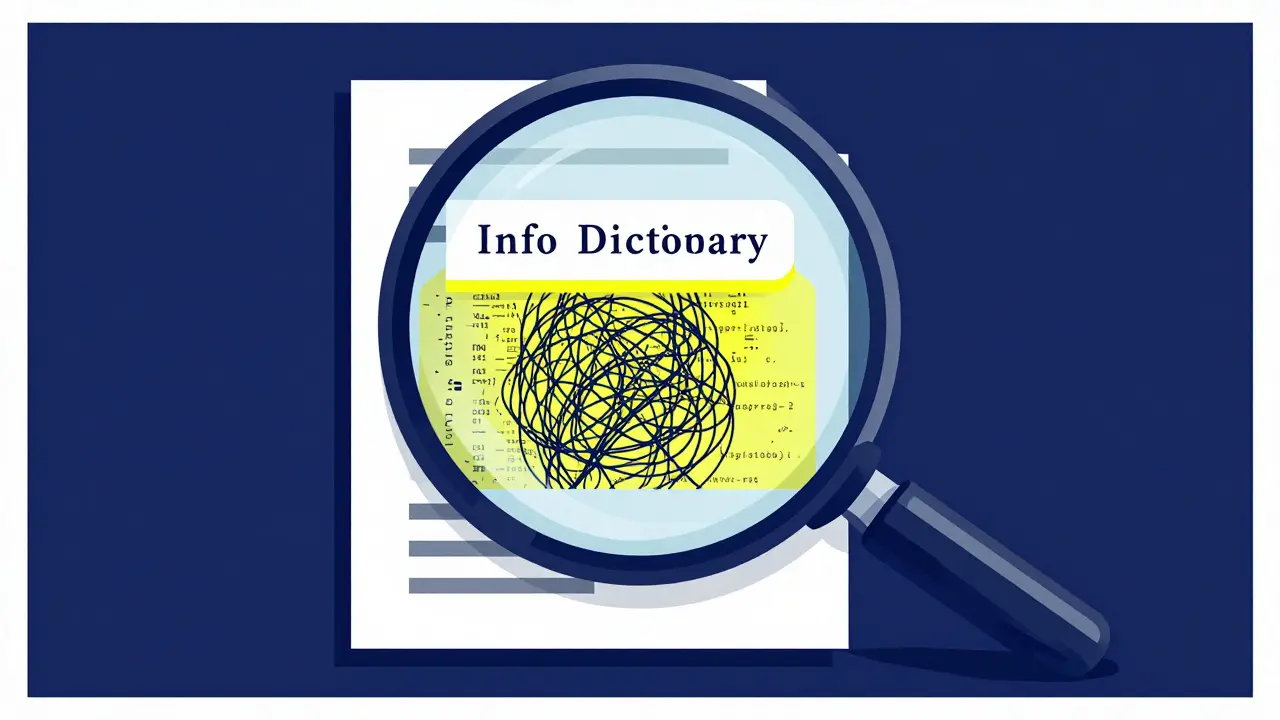
- The Info Dictionary: This is the older, basic layer. It holds simple fields like Author, Title, Subject, Keywords, Creator, Producer, CreationDate, and ModDate. It is the equivalent of a name tag attached to the file.
- XMP Stream: Extensible Metadata Platform (XMP) is the newer, richer format developed by Adobe. It embeds complex details, cross-platform compatibility tags, and often duplicates the Info Dictionary while adding layers of granular data. Many casual cleaners only wipe the Info Dictionary, leaving the XMP stream intact. This is a common failure point.
Beyond these standard fields, metadata can reveal surprising details. Have you ever deleted a comment in Word but saved it as a PDF? That comment might still be there, buried in the annotations layer. Did you mask text with a black box instead of deleting it? The original text remains selectable underneath. Did you attach a spreadsheet to the file? That attachment persists. Even GPS coordinates from a photo embedded in the document can survive the conversion process.
The risk here is not malicious intent. It is negligence. You send a contract to a client. You think you are sharing terms and conditions. Instead, you are also sharing the name of the junior associate who drafted it, the version of Microsoft Office they used, the internal folder path where the draft was stored, and the exact timestamp of the last revision. Competitors or threat actors can use this information to map your organizational structure or identify vulnerable software versions.
The Visible Shield: How PDF Watermarks Work
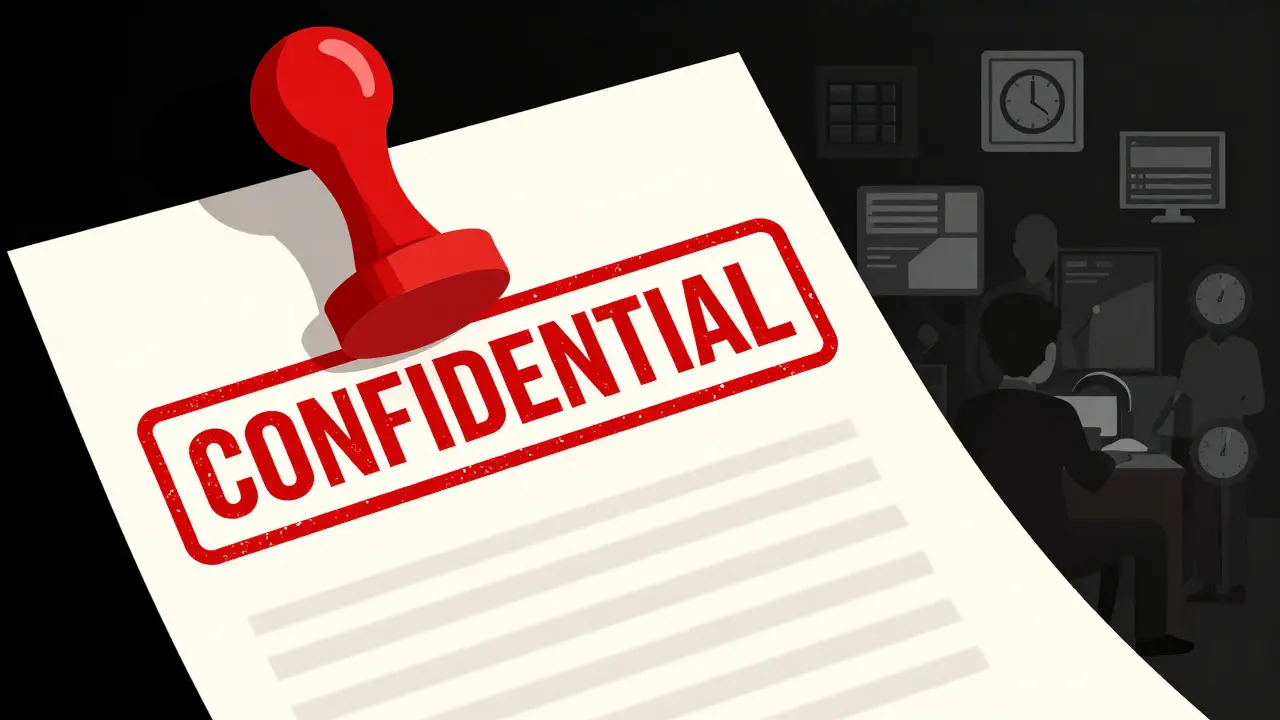
If metadata is the whisper, a Watermark is the shout. A watermark is a deliberate visual element added to the document content. It appears as semi-transparent text or images overlaid on the pages. Its purpose is immediate communication.
Watermarks serve three primary functions:
- Classification: Labels like "CONFIDENTIAL," "DRAFT," or "INTERNAL USE ONLY" tell the recipient how to handle the document before they even read the first sentence.
- Deterrence: A large "SAMPLE" or "UNREGISTERED" stamp discourages unauthorized use or distribution. It signals ownership clearly.
- Tracking: Dynamic watermarks can embed unique identifiers, such as the viewer's email address or employee ID. If a screenshot leaks, the organization can trace it back to the specific individual who viewed it.
Unlike metadata, watermarks are part of the visual layer. They are harder to ignore. However, they are also easier to bypass for a determined attacker. Static watermarks can be removed with advanced image editing tools or specialized PDF editors. They do not prevent copying; they only discourage it. Furthermore, a watermark does not protect the underlying data. You can have a heavily watermarked document that still contains rich, unstripped metadata revealing its origin.
What Each Actually Reveals: A Direct Comparison
To understand the security implications, we need to look at what each technology exposes. The contrast is stark.
| Aspect | PDF Watermark | PDF Metadata |
|---|---|---|
| Visibility | Visible on screen and print | Invisible to casual viewers |
| Primary Purpose | Deterrence and classification | Organization and technical tracking |
| Reveals Identity | Organization brand or generic label | Specific author name, username, or editor |
| Reveals Timing | None (unless dynamic) | Precise creation and modification timestamps |
| Reveals Software | No | Creator application and version number |
| Removal Difficulty | Moderate (requires editing tools) | Low (requires metadata stripping) |
| Privacy Risk | Low (intentional disclosure) | High (inadvertent leakage) |
The key takeaway is that watermarks manage perception, while metadata manages provenance. Watermarks answer the question, "Is this document official?" Metadata answers the questions, "Who wrote this? When? And with what tools?" For public-facing documents, you usually want to control the narrative with watermarks but erase the provenance with metadata cleaning.
The Danger of Dual Stores
A critical nuance in PDF security is the existence of dual metadata stores. As mentioned earlier, PDFs contain both the legacy Info Dictionary and the modern XMP stream. Many users assume that clearing one clears all. This is false.
If you use a basic online tool or a simple script that only targets the Info Dictionary, the XMP stream remains untouched. Conversely, some tools strip XMP but leave the Info Dictionary populated. To truly sanitize a document, you must ensure both layers are purged. This includes custom properties, document IDs, and trailer information. Failure to address both results in a false sense of security. An investigator can easily find the remaining data using free inspection tools.

How to Clean Metadata Without Compromising Privacy
Removing metadata is straightforward if you have the right approach. Desktop suites like Adobe Acrobat Pro offer a "Remove Hidden Information" feature. However, this requires a paid subscription and installation. More importantly, many online "cleaner" services ask you to upload your file to their servers. This introduces a new risk: who has access to your document while it is being processed?
For maximum privacy, the cleaning process should happen locally on your device. This ensures the file never leaves your computer. Tools built on WebAssembly and JavaScript can perform this task directly in the browser. For example, Vaulternal's PDF metadata remover processes files client-side. It strips both the Info Dictionary and the XMP stream simultaneously. Because the processing happens in your browser, you can verify via the network tab that no data is uploaded. This method preserves the visual fidelity of the document-no re-rasterization occurs-while ensuring the hidden data is gone.
Before removing anything, it is wise to inspect the file. See what is actually hidden. Does it contain personal names? Internal project codes? GPS coordinates? Knowing what you are removing helps you assess the risk. Some tools offer an inspector mode alongside the removal function, allowing you to view the raw JSON output of the metadata before deciding to purge it. This transparency is crucial for compliance workflows where proof of cleaning may be required.
When to Use Both Strategies
Should you choose watermarks or metadata cleaning? The answer is usually both, but for different audiences.
If you are distributing a white paper to the public, apply a subtle branding watermark to reinforce authority. Then, strip all metadata to prevent competitors from learning about your internal drafting team or software stack. If you are sharing a confidential legal brief internally, use a dynamic watermark to track access and ensure accountability. In this case, you might retain some metadata for internal audit purposes, but you would never release that file externally without sanitizing it first.
Regulatory frameworks like GDPR treat metadata containing personal information as personal data. This means failing to strip author names or user IDs from shared documents can constitute a privacy violation. Watermarks do not mitigate this risk. Only thorough metadata removal does.
Does converting a PDF to Word and back remove metadata?
Not necessarily. While conversion can sometimes strip certain fields, it often generates new metadata based on the current software and user account. Additionally, some hidden layers or annotations may persist through the conversion process. Dedicated metadata stripping is more reliable.
Can I remove watermarks from a PDF myself?
Yes, static watermarks can often be removed using advanced PDF editors or image manipulation tools. However, removing a watermark does not remove the underlying metadata. If you need to clean a document for privacy, focus on metadata stripping rather than watermark removal.
What is the difference between the Info Dictionary and XMP?
The Info Dictionary is the older, simpler metadata format in PDFs, holding basic fields like author and title. XMP is a newer, more complex XML-based format that allows for richer data and cross-platform compatibility. Both can coexist in a single PDF, and both must be cleaned for complete sanitization.
Is it safe to use online tools to remove metadata?
It depends on the tool. Many online services upload your file to their servers for processing, which poses a privacy risk. Client-side tools that run entirely in your browser via WebAssembly offer a safer alternative, as the file never leaves your device.
Do watermarks protect against data theft?
No. Watermarks are deterrents, not encryption. They make unauthorized use less attractive but do not technically prevent copying or extraction. For true protection, combine watermarks with access controls, encryption, and metadata sanitization.