What is 2FA for Cryptocurrency Accounts? A Simple Guide to Securing Your Digital Wallet
 Mar, 18 2026
Imagine this: you wake up one morning and check your crypto wallet. Your Bitcoin? Gone. Your Ethereum? Vanished. No trace. No warning. Just empty. That’s what happens when hackers get into your account - and it’s easier than you think. 2FA for cryptocurrency accounts isn’t just a fancy option. It’s the difference between keeping your money safe and losing it forever.
Two-Factor Authentication, or 2FA, is a security system that asks for two things before letting you in. First, something you know - like your password. Second, something you have - like a code from your phone. If someone steals your password, they still can’t get in without that second piece. It’s like needing both a key and a fingerprint to open your front door.
How 2FA Works for Crypto Accounts
When you sign up for a crypto exchange like Binance, Coinbase, or Crypto.com, you set up a password. But passwords can be guessed, stolen, or leaked in data breaches. That’s where 2FA steps in. After typing your password, you’re asked for a one-time code. This code changes every 30 seconds and is generated by an app on your phone - not sent via text.
You don’t need to be a tech expert to set it up. Here’s how it usually works:
- Download a trusted authenticator app like Google Authenticator or Authy.
- Go to your crypto platform’s security settings and turn on 2FA.
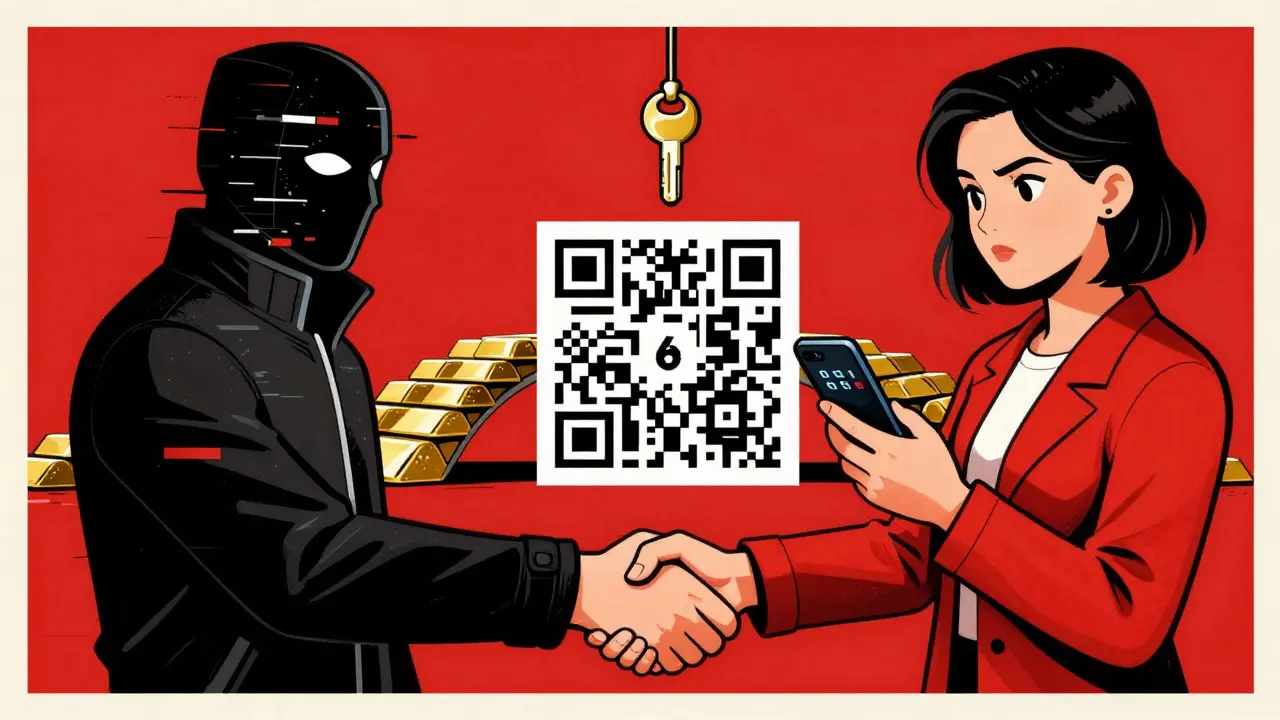
- Scan a QR code with your phone. That links your account to the app.
- Enter the code the app shows to confirm it works.
- Save your backup codes in a safe place - like a locked drawer or encrypted file.
These backup codes are your lifeline. If you lose your phone or delete the app, they’re the only way back in. Lose them? You might lose your crypto forever.
Types of 2FA Used in Crypto
Not all 2FA is created equal. Some methods are strong. Others? Not so much.
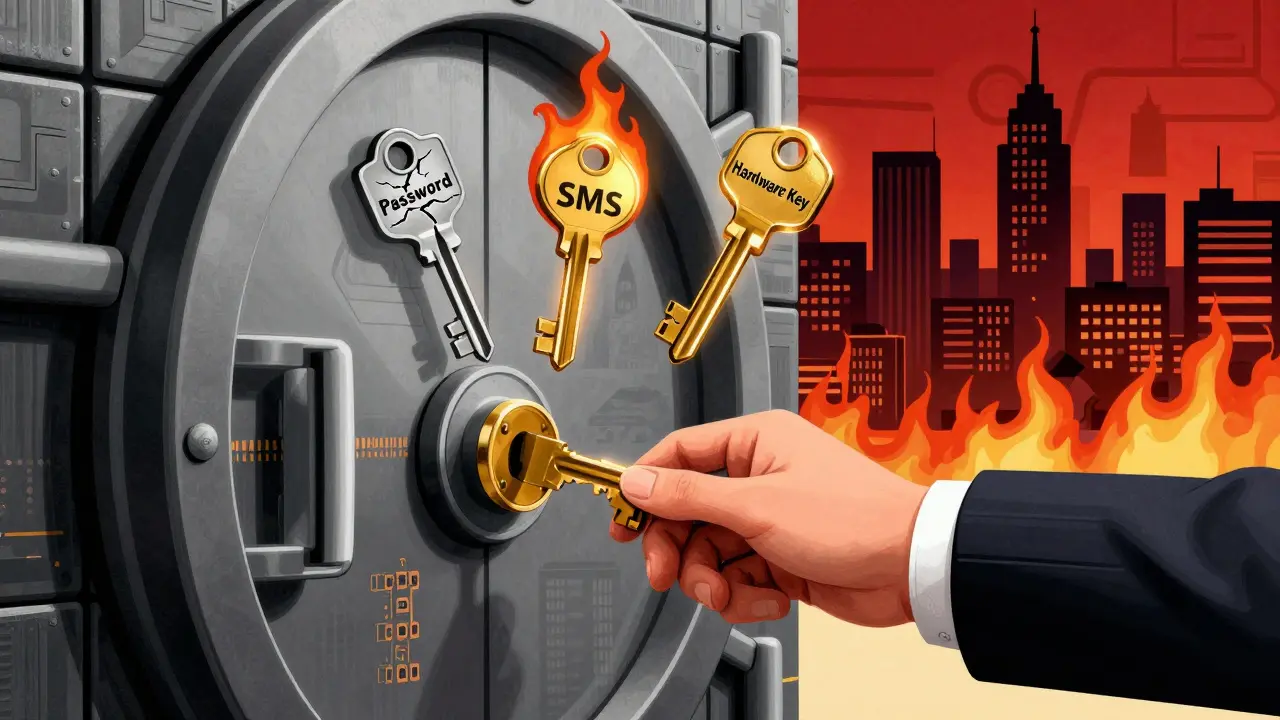
- SMS-based 2FA - Sends a code via text. Easy to use, but risky. Hackers can trick your phone carrier into transferring your number (SIM swapping) and grab the code.
- Authenticator apps - Generate codes offline. No internet needed. Much safer than SMS. Google Authenticator and Authy are the most common.
- Hardware keys - Tiny devices like YubiKey. You plug them into your computer or tap them with NFC. These are the gold standard. Even if your phone is hacked, they can’t be stolen remotely.
- Biometrics - Fingerprint or face unlock. Useful, but only if paired with another factor. A fingerprint can be copied. A code can’t.
Most experts agree: skip SMS. Use an authenticator app. If you’re holding serious crypto - think $10,000 or more - get a hardware key. It’s a one-time cost, under $50, and it’s worth every penny.
Why 2FA Is Non-Negotiable for Crypto
Blockchain transactions are final. Once your Bitcoin is sent out, there’s no chargeback. No bank to call. No refund. That’s why prevention is everything.
Without 2FA, you’re a sitting duck. Phishing emails trick you into typing your password. Malware logs your keystrokes. Data leaks expose your login details. All of these happen every day. But with 2FA enabled? The hacker needs your password and your phone. That’s a lot harder.
Take Crypto.com’s NFT platform. When you enable 2FA there, they lock your NFTs for 24 hours. That’s not a bug - it’s a feature. It gives you time to notice if someone tried to move your assets. And every withdrawal? Requires 2FA. No exceptions.
That’s the pattern across all serious platforms. If a service doesn’t make 2FA mandatory for withdrawals or high-value actions, walk away. It’s not secure.
What Happens If You Lose Your 2FA Device?
This is where most people panic. You drop your phone in the toilet. You lose your YubiKey. You reinstall your phone and forget to back up the app. Now what?
You use your backup codes. That’s why you wrote them down on paper and stored them in a safe place. Not on your computer. Not in the cloud. On paper. In a drawer. In a fireproof box.
If you didn’t save them? You’re stuck. Contacting customer support is your only option - and they’ll make you prove you’re you. That could take days. Or weeks. And even then, they might not be able to help.
Some platforms, like Crypto.com, will reset your 2FA - but only after strict identity checks. And once they reset it, your old codes are gone forever. No second chances.
What to Avoid
Here are the three biggest mistakes people make with 2FA:
- Using SMS - Too easy to hijack. Don’t do it.
- Storing backup codes online - If your email gets hacked, so does your crypto. Write them down. Physically.
- Sharing codes with anyone - Not your friend. Not your "tech support guy." Not even your spouse. Ever. Legit companies never ask for your 2FA code.
And never enable 2FA on a public computer. Or a shared phone. Or a device you don’t fully control. You’re trusting that device with your life’s savings.
2FA Isn’t Enough - But It’s the First Step
Let’s be clear: 2FA won’t stop every attack. If you store your crypto on an exchange, you’re still at risk. Exchanges get hacked. People get social-engineered. 2FA is your shield, not your fortress.
The real game-changer? A hardware wallet. Devices like Ledger or Trezor store your private keys offline. No internet. No hackers. Just you, your device, and your backup seed phrase.
Use 2FA on your exchange account. Use a hardware wallet to store your long-term holdings. That’s the combo that keeps your crypto safe for years.
Final Checklist: Your 2FA Survival Kit
Before you close this page, make sure you’ve done this:
- Enabled 2FA on every crypto account you use - exchanges, wallets, NFT platforms.
- Switched from SMS to an authenticator app.
- Written down your backup codes on paper and stored them in a secure, offline location.
- Tested the login process with your 2FA code to make sure it works.
- Considered buying a hardware key like YubiKey for extra protection.
- Never, ever entered your 2FA code into a website, email, or chat message.
Setting up 2FA takes 5 minutes. Losing your crypto because you didn’t? Could cost you years of work.
Ann Liu
March 20, 2026 AT 02:492FA is non-negotiable. I’ve seen too many people lose everything because they thought SMS was "good enough." Authenticator apps are free, easy, and way more secure. And backup codes? Write them on paper. Not in a Notes app. Not in iCloud. Not anywhere digital. I keep mine in a sealed envelope inside a fireproof safe. Five minutes now saves you a lifetime of regret.
Also, if you’re holding more than $5K in crypto, get a YubiKey. It’s not expensive, and it’s the only thing that stops remote attacks dead. No phishing, no SIM swap, no malware - none of it works if you’re using hardware auth.
Dionne van Diepenbeek
March 20, 2026 AT 14:56Graham Smith
March 22, 2026 AT 09:04The fundamental flaw in most crypto security narratives is the conflation of authentication with asset custody. 2FA mitigates credential compromise at the service layer - a necessary but insufficient control surface. What you're really advocating is defense-in-depth via cryptographic isolation, which necessitates offline key storage. The YubiKey, while superior to software tokens, still operates within a trusted computing base that may be compromised via side-channel or firmware exploits. True sovereignty requires a cold wallet with BIP39-compliant seed derivation, physically air-gapped, and redundantly encoded on stainless steel plates. Anything less is financial theater.
Also, Authy is deprecated. Use Aegis or Bitwarden’s built-in TOTP. Better entropy, open-source, no telemetry.
Jerry Panson
March 23, 2026 AT 18:32I appreciate the clarity and thoroughness of this guide. It is both informative and responsibly structured, addressing not only the technical implementation of two-factor authentication but also the behavioral and procedural safeguards that are often overlooked.
It is worth emphasizing, as you have, that the greatest vulnerability in any security system is human error - not cryptographic weakness. The discipline required to write down backup codes on paper, store them offline, and never reuse or share authentication tokens is as critical as the technology itself.
I would only add, with respect, that users should verify the authenticity of the QR code scanning interface by confirming the domain name of the platform before proceeding. Phishing pages are increasingly sophisticated, and even a slight misspelling of "binance.com" can lead to catastrophic compromise.
Thank you for reinforcing the importance of vigilance in an environment where mistakes are irreversible.
Arlene Miles
March 24, 2026 AT 17:21Let’s talk about the emotional weight of this. You think 2FA is just a setting? It’s not. It’s the difference between sleeping at night and staring at the ceiling wondering if your life’s work vanished because you clicked "trust this device" on a phishing page.
I’ve had friends lose everything. Not because they were careless - because they trusted the system. They thought, "It’s Coinbase, they’re safe." And then one day, their password got leaked, and without 2FA? Gone. No warning. No mercy.
Don’t wait until it’s too late. Do it now. Not tomorrow. Not when you have "more time." Right now. Open your exchange app. Go to security. Turn it on. Write the codes. Save them. Then breathe. You just took the first real step toward owning your money.
And if you’re scared you’ll lose your phone? Good. That means you care. Then get a YubiKey. Spend $50. Protect what matters. You’re worth it. Your future self will thank you.
And if you’re still using SMS? Please, for the love of all that’s decentralized - stop.